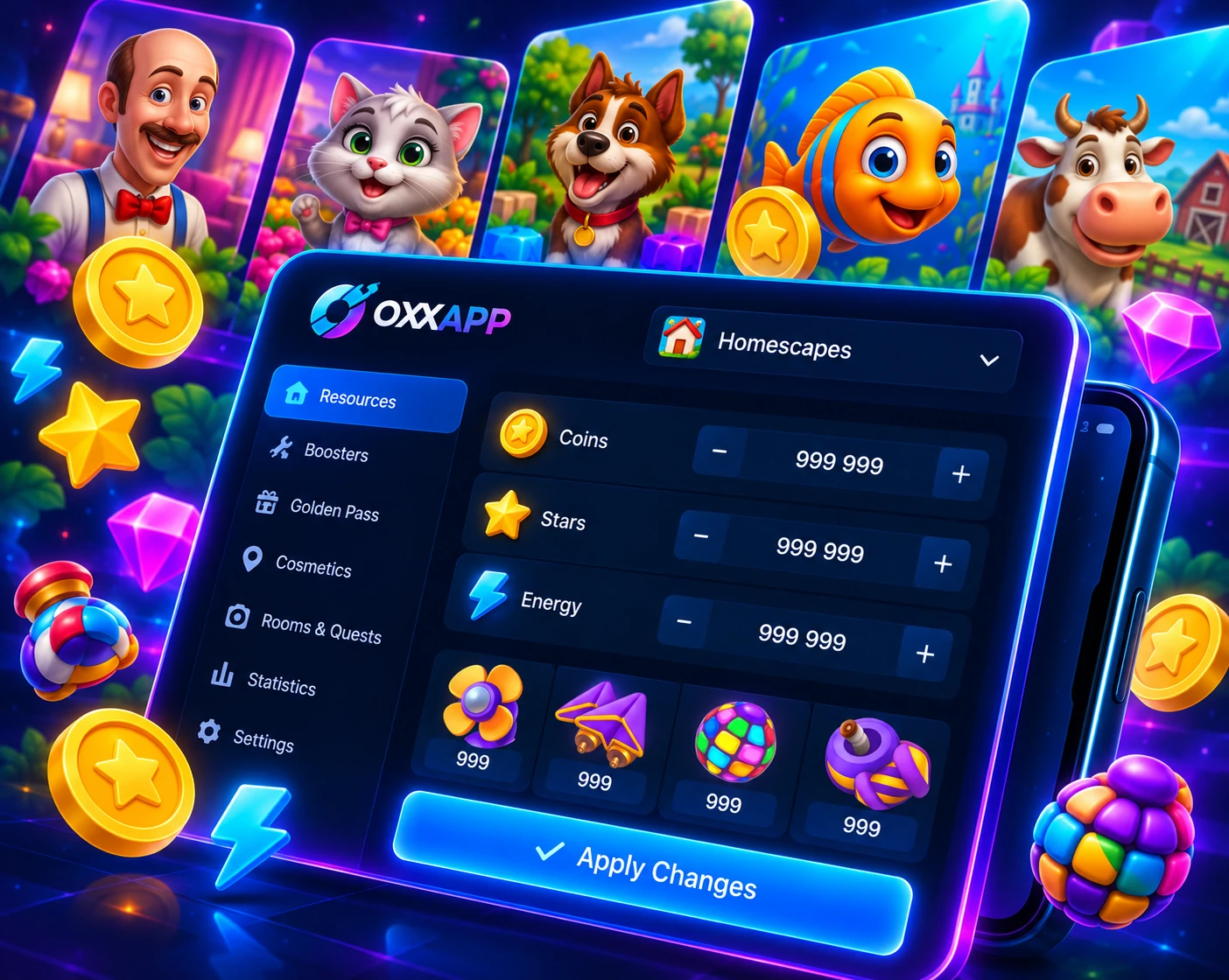

Coins
Adjust in-game currency values.

Edit your favorite game saves. Adjust coins, stars, boosters, cards, stats and more with a clean Android app backed by secure server-side processing.
Adjust in-game currency values.

Tune star counts where supported.

Edit energy and related stats.

Modify boosters and special items.

Fine-tune values from one editor.

Edit supported premium-pass values.

Manage supported cards and extras.
Catalog
A growing spectrum of titles, each with its own tuned editor and demo availability where enabled.
Why it works
Everything you need to customize your game experience, condensed into a thin client backed by a secure API.
Adjust coins, stars, gems, boosters, cards, stats and other in-game values across supported games through a simple interface.
Decoding and edits run on a hardened server, so the app does not ship game secrets or codecs on your machine.
Access is tied to your portal account with monthly account quotas, revocation support and a free demo path for new users.
The Android client checks for signed updates on launch, while the account cabinet keeps registration, sign-in and licenses connected.
Workflow
From account setup to applying an edited save in a few focused steps.

Create a free account in your license cabinet, or request a free demo to try it first.

Download the Android app and sign in with your account.

Let the app securely read your save, then choose the values you want to change.

The server safely re-encodes your save and the app writes it back so you can play.


Download OXXAPP now and take control of your game saves with secure processing, license protection and automatic updates.
Help
Short answers to the questions we hear most. Still stuck? Write to us.
OXXAPP (the app is called OxxEditor) is a save editor for mobile games. It reads your game save and shows it as simple forms: coins, stars, energy, boosters, cards, avatars, tasks and more. You change the values and the app writes the save back.
Decoding and re-encoding run on our server, so the app itself stays small and ships no game secrets. Gardenscapes is fully supported today; more games are on the way.
No. There are two ways to work:
Basic includes a set number of game accounts. Reading a new account uses one slot; you can add more accounts when buying or renewing.
Unlimited has no account limit and adds no-root editing with GS Code, including accounts of other players who send you their code.
The app makes a backup automatically every time it reads a save and before every write. Open Backups in the editor and restore the copy you need in one tap. Backups are kept for 14 days by default; you can change this from 1 to 30 days at the top of the Backups screen.
Keep values within reasonable limits: very large numbers look suspicious in any game.
A license works on one device at a time. When you choose it on a new device, it moves there and the old device is signed out. The number of moves is limited, so avoid switching back and forth. You can see your devices and sign them out in the cabinet.
Buy or renew a license in the cabinet or right in the app (Licenses → Buy). You can pay by card or crypto, and discount codes are supported. The app reminds you a few days before a license expires.
The app checks for a signed update on every launch and offers to install it. You never need to download a new version from the site by hand, but the latest builds are always available above.